
Why No-Code Matters for AI Agents
Visual AI workflow builders are not about replacing engineers. They are about letting the whole team participate in building AI systems that actually ship.
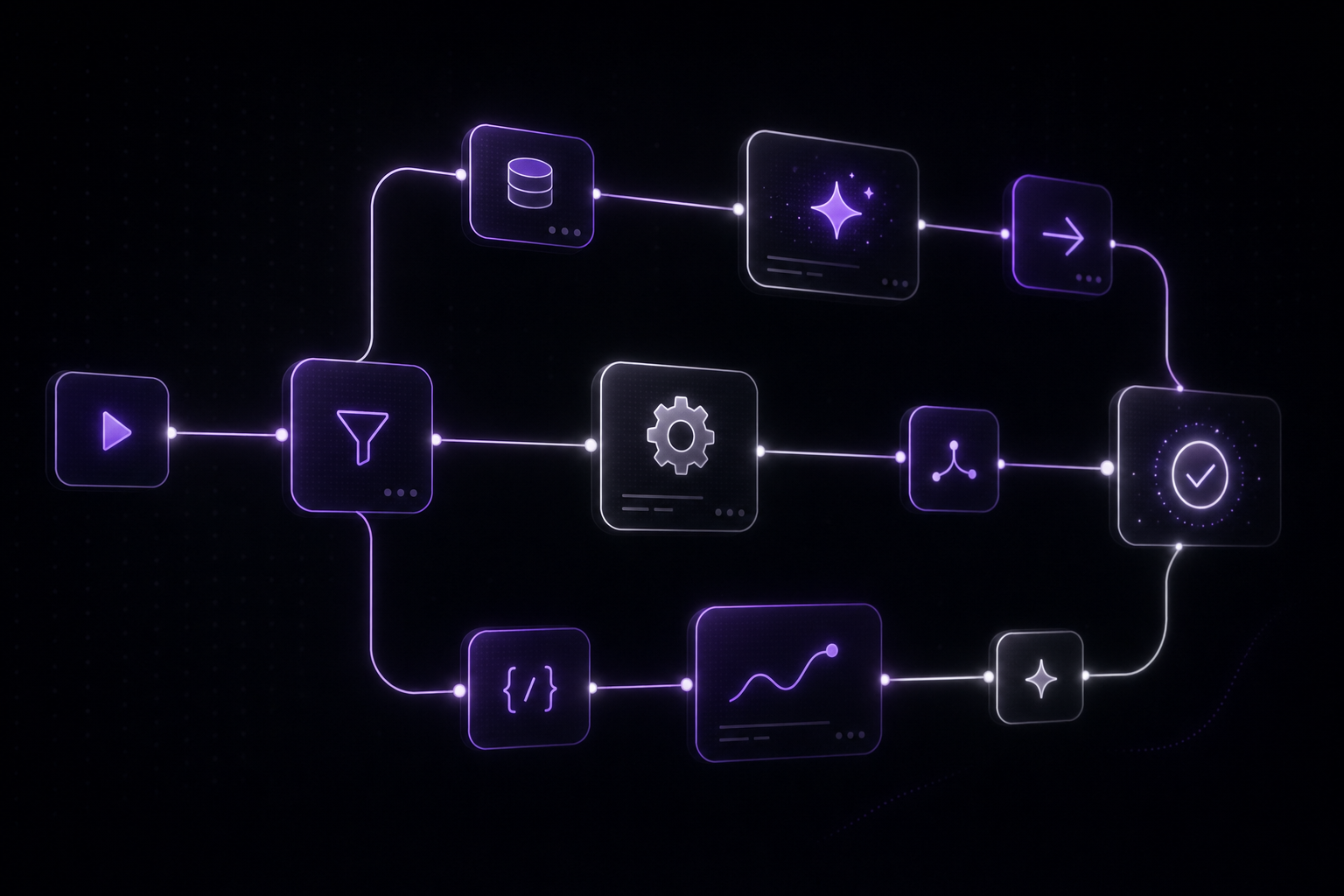
There is a persistent misconception that no-code tools are for people who cannot code. In the context of AI agents and agentic orchestration, that framing misses the point entirely.
No-code AI platforms exist because the bottleneck in building AI applications is not writing code. It is the iteration speed between having an idea, testing it with real models, and shipping something that works.
The real bottleneck
Consider what it takes to build a multi-model AI workflow in code. You need to:
- Set up API clients for each model provider (OpenAI, Anthropic, Google, Stability AI, etc.)
- Write data transformation logic between each step
- Implement error handling for each API call
- Build retry logic with exponential backoff
- Add rate limiting to stay within provider quotas
- Create logging and monitoring infrastructure
- Handle authentication and secrets management
- Build a deployment pipeline
- Write tests for the entire flow
For a senior engineer, this is maybe two weeks of work for a moderately complex workflow. And then the product manager says "what if we add a content moderation step before publishing?" and you are back to refactoring.
The code itself is not complex. Any competent engineer can write an API wrapper. The problem is that the overhead of infrastructure, deployment, and maintenance drowns out the creative work of designing the AI workflow.
What visual workflows actually change
A visual workflow builder does not eliminate engineering. It relocates it. The platform handles the infrastructure layer: API connections, data serialization, error handling, deployment, monitoring. You focus on the part that actually matters: which models to use, how data flows between them, what decisions to make at each step.
This changes three things:
Iteration speed goes from days to minutes. Drag a new node onto the canvas, connect it, test it. No deployment cycle, no PR review, no CI/CD pipeline. When you are experimenting with which model combination produces the best results, this speed difference is everything.
Non-engineers can participate. A content strategist can design a content generation workflow. A VFX supervisor can build a 3D asset pipeline. A customer success lead can create an automated support flow. They understand the domain better than any engineer, and a visual builder lets them express that knowledge directly.
The workflow is the documentation. In code, understanding a multi-step AI pipeline means reading through multiple files, tracing function calls, and hoping the comments are accurate. In a visual workflow, the entire system is visible on one canvas. New team members can understand it in minutes, not days.
Where code still wins
Let me be honest about where no-code falls short:
Custom logic. If you need a highly specific data transformation that does not fit into a standard node, you will need to write code. Good platforms let you embed custom code nodes within the visual workflow, giving you an escape hatch without abandoning the visual paradigm.
Performance-critical paths. If you are processing millions of records and every millisecond counts, a hand-optimized pipeline will outperform a visual one. But most AI workflows are latency-bound by model inference times (hundreds of milliseconds to seconds per call), not by the orchestration layer.
Deeply integrated systems. If your AI workflow needs to interact with a dozen internal microservices through custom protocols, the setup cost of connecting those to a visual platform may exceed the cost of just writing the integration code.
The sweet spot for no-code AI is workflows that change frequently, involve multiple models, and need input from people who understand the business domain.
The team topology argument
Here is what most discussions about no-code miss: it is not about individual productivity. It is about team topology.
In a traditional setup, the flow looks like this: domain expert has an idea, writes a requirements document, hands it to an engineer, engineer builds it, domain expert tests it, feedback loop repeats. Each cycle takes days or weeks. The resulting system reflects the engineer's interpretation of the requirements, not the domain expert's actual knowledge.
With visual AI workflows, the domain expert builds the first version. The engineer reviews it, optimizes the performance-critical parts, adds monitoring, and handles edge cases. The feedback loop is hours, not weeks. The resulting system directly reflects domain expertise.
This is not about replacing engineers with no-code tools. It is about removing the translation layer between the person who understands the problem and the system that solves it.
The AI model explosion makes this urgent
In 2024, there were maybe a dozen AI models worth integrating. Today there are hundreds, across text, image, video, 3D, audio, and code generation. New models ship weekly. Each one has different capabilities, pricing, rate limits, and API formats.
No team can maintain custom integrations for all of these. A visual platform with pre-built model connectors lets you swap between providers in seconds. When a new model launches that is better or cheaper for your use case, you replace one node. No code changes, no deployment, no regression testing.
This is especially true for multi-modal workflows. A pipeline that combines text generation, image synthesis, 3D reconstruction, and audio processing touches four or five different model providers. Managing those integrations in code is a full-time job. In a visual platform, it is four nodes connected by lines on a canvas.
What to look for in a no-code AI platform
Not all visual builders are created equal. The important capabilities:
Typed data ports. Nodes should have typed inputs and outputs (text, image, JSON, binary, etc.) with validation at connection time. This prevents the runtime errors that plague loosely-typed pipeline tools.
State machine support. Simple linear pipelines are not enough. You need conditional branching, loops, parallel execution, and state management. The visual builder should support full workflow logic, not just sequential chains.
API deployment. The workflow should be deployable as a REST endpoint with authentication. If you cannot integrate the result into your product, it is a toy.
Model abstraction. The platform should handle the differences between model providers so you can swap models without changing your workflow structure.
Cost tracking. Every AI model call costs money. The platform should track token costs per execution, per node, and per workflow so you can optimize spending.
The bottom line
The question is not "should we use no-code or code?" It is "where does each approach create the most value?"
Infrastructure, deployment, monitoring, and integration code: write it once (or use a platform that handles it). AI workflow logic, model selection, and business rules: build them visually so the whole team can iterate.
The teams shipping the most effective AI applications are not the ones with the best engineers. They are the ones where domain experts and engineers collaborate with the least friction. Visual AI platforms make that collaboration possible at a speed that code-only approaches cannot match.